
Using PayID at Mobile Casino Sites -- Setup, Speed, and Common Pitfalls
 Available in AU
The Mobile Deposit Experience Most Sites Get Wrong
Last year I tested PayID deposits on my phone across fifteen different casino sites over a single weekend. The results were embarrassing — for the operators. Six sites redirected me to a desktop-formatted cashier page that required pinching and zooming to read. Three had broken copy-paste functionality for PayID details, meaning I had to memorise a BSB and reference number while switching between apps. Only four offered what I would call a genuinely mobile-optimised PayID deposit flow. The gap between the best and worst mobile PayID experiences is wider than most players realise. The wider context is covered in our PayID casino guide.
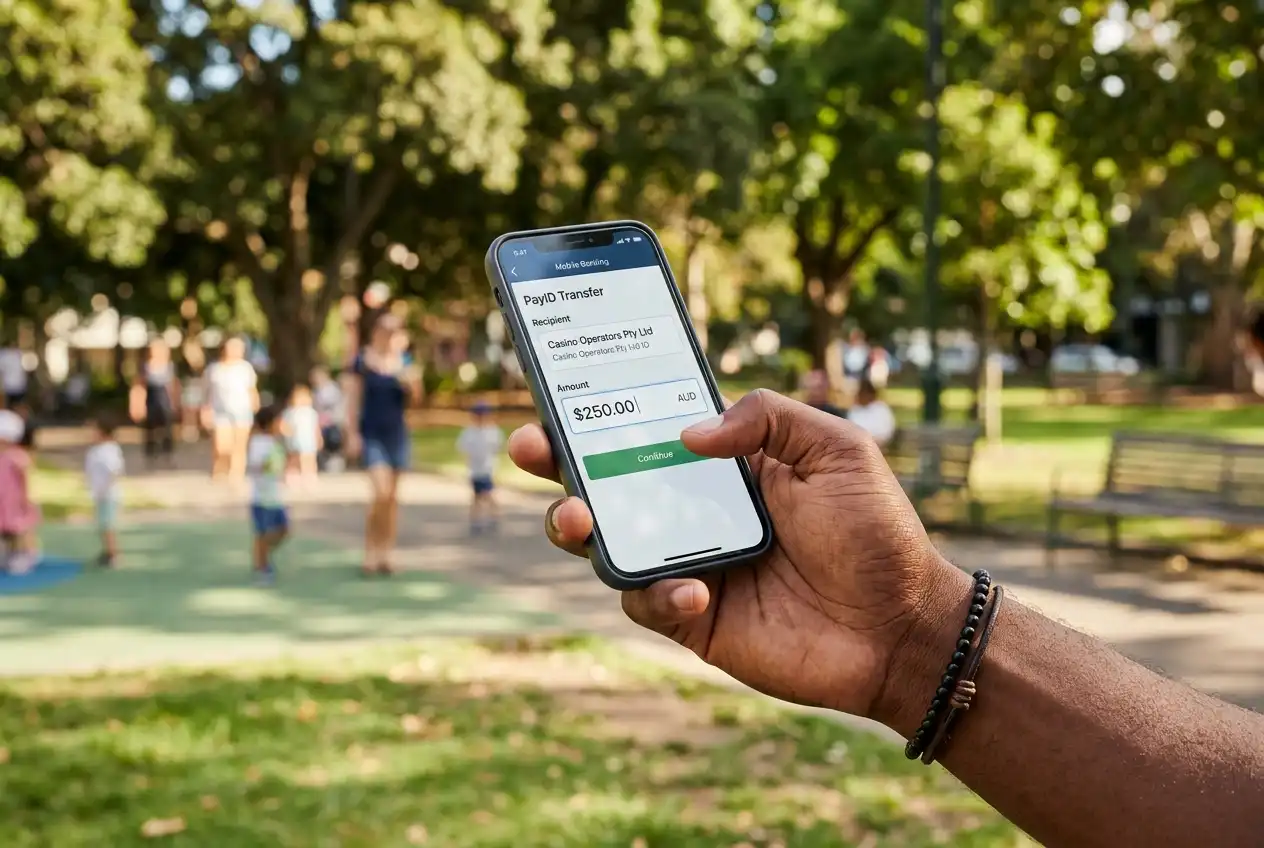
This matters more than it might seem. Over 70% of online casino sessions in Australia now originate on mobile devices. That proportion is even higher for casual and mid-range players who deposit during commutes, lunch breaks, or while watching television. If the deposit process is clunky on a 6-inch screen, a meaningful number of those sessions start with frustration — or do not start at all.
Setting Up PayID for Mobile Casino Use
Here is something that trips up first-time users: PayID itself is not an app. You do not download anything. PayID is a feature built into your existing banking app — a layer that sits on top of Australia’s New Payments Platform, which processes over 155 million transactions monthly. Setting it up takes about two minutes.

Open your banking app, find the PayID section (usually under payments or settings), and register your mobile number or email address as your PayID identifier. That identifier then acts as a shortcut — instead of sharing your BSB and account number, anyone sending you money only needs your phone number or email. For casino withdrawals, this is the mechanism that allows operators to send winnings back to your verified account without requiring you to enter full bank details each time.
The step most people miss: confirming which account the PayID is linked to. If you have multiple accounts with the same bank, your PayID will default to whichever account you register it against. I recommend linking it to a dedicated transaction account rather than a savings account, because some banks impose different daily transfer limits depending on account type. This is the kind of detail that costs you nothing to get right and causes genuine headaches if you get it wrong.
One more consideration for mobile setup: some banking apps require you to re-verify your PayID registration when updating your app or switching to a new device. If you upgrade your phone and your PayID stops working, the fix is usually re-registering the identifier through your banking app — a two-minute process that feels like an emergency if you encounter it mid-deposit at a casino. Test your PayID after any device change, before you need it.
Speed Differences Between Mobile and Desktop PayID Deposits
Does it actually matter whether you deposit from your phone or your laptop? In terms of raw transaction speed, no. The NPP processes the payment identically regardless of which device initiated it. A PayID transfer settles in under sixty seconds whether you are on a desktop browser, a mobile browser, or a native banking app.

Where the difference shows up is in the steps around the payment. On desktop, switching between your banking portal and the casino cashier means alt-tabbing between browser tabs — quick and familiar. On mobile, it means switching between apps, which introduces opportunities for session timeouts. I have had casino sessions expire during the two minutes it took to open my banking app, authenticate with biometrics, confirm the transfer, and switch back. The deposit went through, but the casino’s system did not credit it to my active session, requiring a manual credit via support. The desktop flow is in how to deposit with PayID.
The workaround is simple but not obvious: before initiating the deposit in the casino’s cashier, open your banking app separately and confirm it is logged in and ready. Then switch to the casino, generate the payment reference, switch to banking, execute the transfer, and switch back. Keeping both apps warm in your phone’s memory eliminates the re-authentication delay that causes most mobile deposit hiccups.
Common Mobile PayID Errors and How to Resolve Them
Three errors account for roughly 80% of the failed mobile PayID deposits I hear about. The first is entering the wrong payment reference. Casino PayID deposits typically require a unique reference code that links the payment to your player account. On a small screen, transposing a digit or misreading a character is easy to do. The payment still sends — it just lands in the operator’s holding account without being attributed to anyone, requiring a support ticket and manual reconciliation that can take 24 to 48 hours.
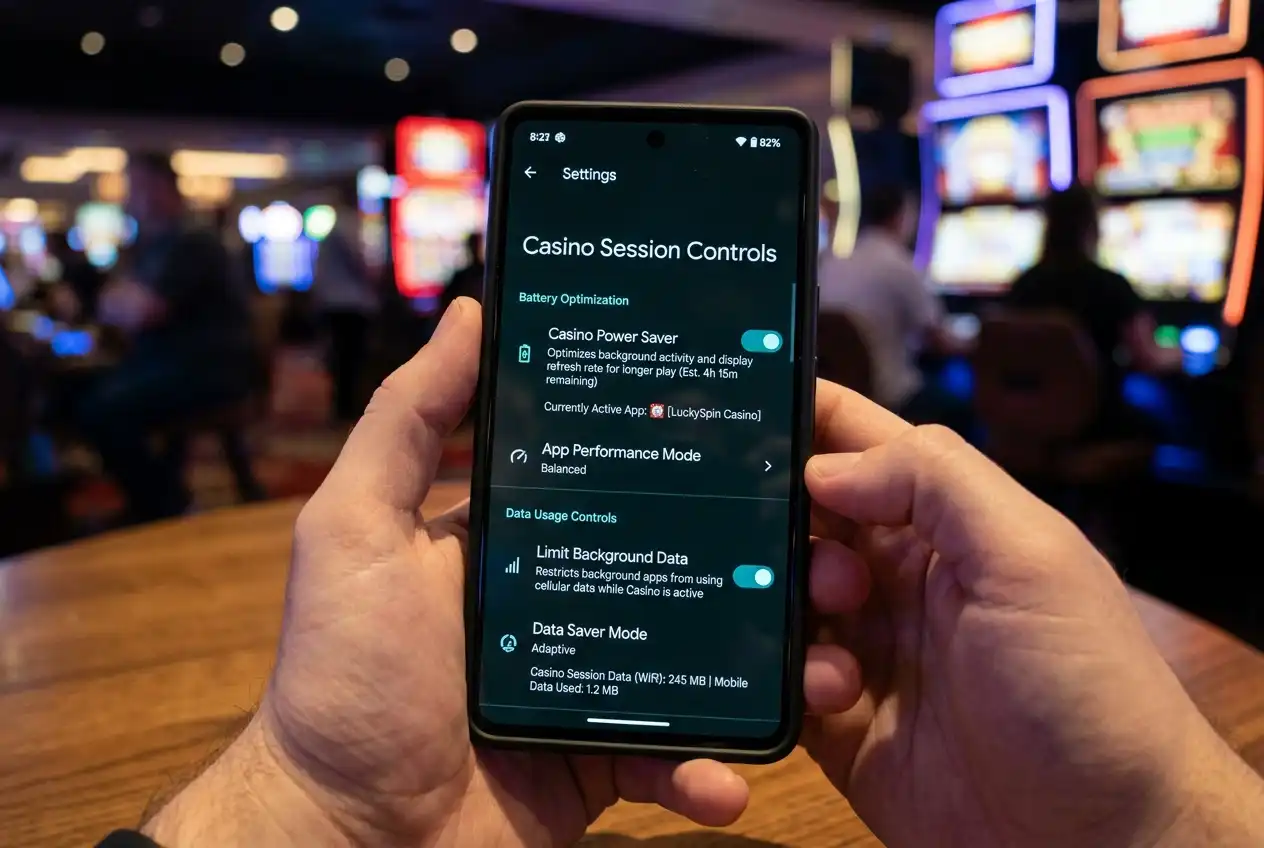
The second is exceeding your bank’s mobile transfer limit. Several Australian banks impose lower per-transaction limits for mobile app transfers compared to desktop internet banking. If your bank caps mobile transfers at AUD 2,000 but the casino’s minimum VIP deposit is AUD 5,000, you will hit a wall that has nothing to do with the casino’s policies. Check your bank’s specific mobile limits — they are not always the same as your general daily limit.
The third is session conflicts between banking and casino apps. Some banking apps terminate active sessions when they detect the phone switching to another app — a security feature that becomes a nuisance during the deposit workflow. If your PayID casino payment fails mid-process, the banking app’s security timeout is the most likely culprit. Adjusting the session duration in your banking app’s security settings (if available) or using split-screen mode on supported devices resolves this in most cases.
What a Properly Optimised Mobile PayID Flow Looks Like
The best mobile casino sites handle PayID deposits without forcing you to leave the browser at all. They display the payment details (PayID address, reference number, exact amount) on a single screen with one-tap copy buttons for each field. Some generate a deep link that opens your banking app pre-populated with the payment details — all you do is authenticate and confirm. That entire process, from tapping “Deposit” to seeing the balance update, takes under ninety seconds.
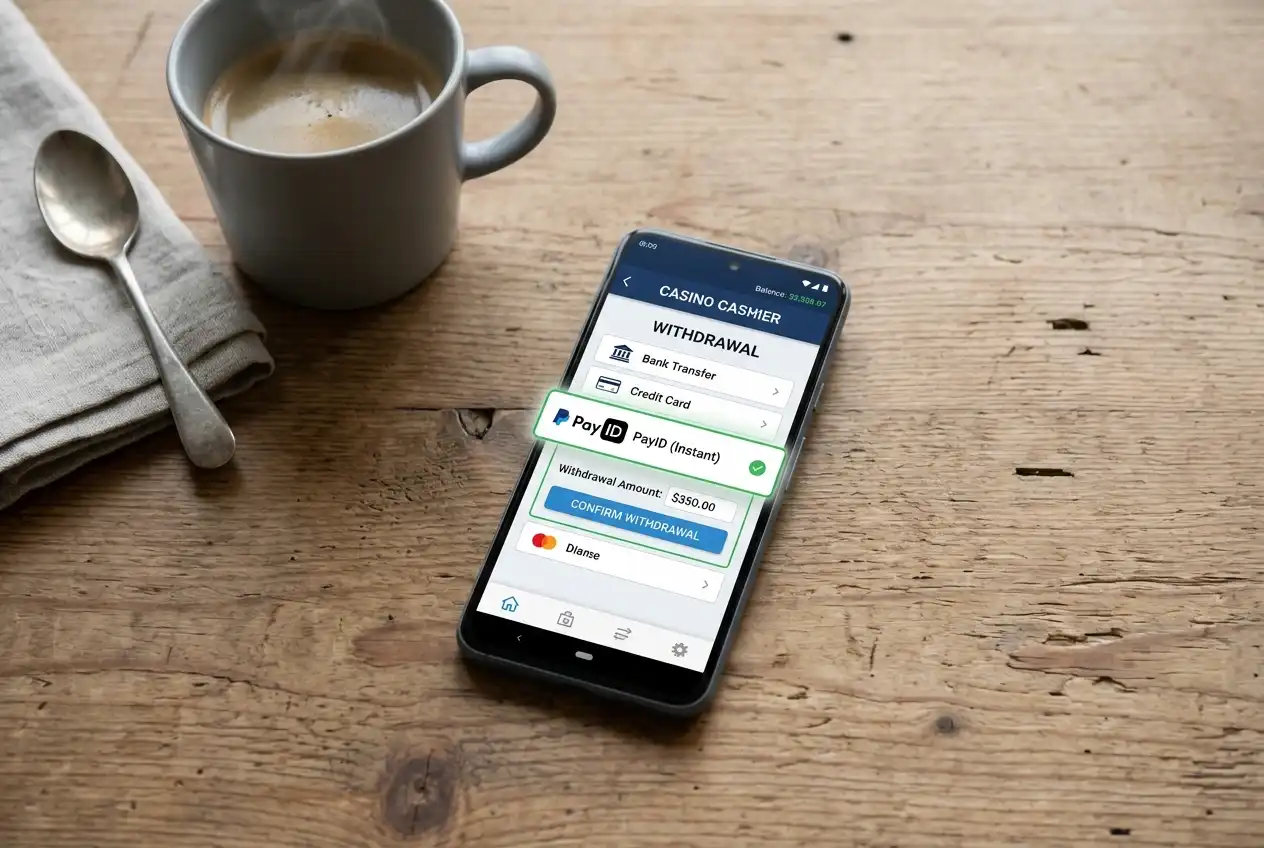
The worst sites make you photograph a QR code, manually key in a 12-digit reference, then navigate back through a multi-step cashier flow to confirm. The technology is identical — the difference is entirely in how much effort the operator has invested in their mobile user experience. When evaluating a new site, I always test the deposit flow on my phone before committing any meaningful balance. If the mobile experience is poor, the rest of the operation is usually not far behind.
Published by the PayEdge team.