
PayID Casino Payment Failed -- Why Deposits Get Declined and How to Fix Them
 Available in AU
The Three-Minute Panic I Could Have Avoided
The first time a PayID casino deposit failed on me, I was convinced I had been scammed. The money left my account, the casino showed no credit, and the operator’s support chat estimated a 48-hour resolution window. Three minutes of genuine panic followed by two days of waiting — all because I had transposed two digits in a payment reference. That experience taught me something I now share with every player I know: PayID failures are almost never system failures. They are human errors with specific, fixable causes.
Understanding why PayID payments fail matters more than it used to, because the volume of transactions flowing through the system has grown dramatically. The New Payments Platform handles over 155 million transactions monthly across 128 million connected accounts. The infrastructure is robust. When a payment does not arrive where you expected it, the problem is almost always at one of the endpoints — your bank, the operator, or the space between your fingers and the keyboard. The wider context is covered in our PayID casino guide.
Wrong Payment Reference — The Most Common Failure
Casino PayID deposits typically work by assigning you a unique payment reference or description code. You log into your banking app, initiate a transfer to the operator’s PayID address, and enter this reference so the system can match the incoming payment to your player account. Get the reference wrong and the money still transfers — it just sits in the operator’s pooled account with no way to automatically attribute it to anyone.
This is not a declined payment in the technical sense. The bank processed it successfully. The NPP routed it correctly. The funds arrived at the destination. But without the correct reference, the operator’s automated system cannot link the deposit to your balance. Manual reconciliation then requires a support agent to match the amount, timing, and source account to your player profile — a process that ranges from a few hours to a couple of business days depending on the operator’s staffing and procedures.
The fix is prevention. Before confirming any PayID transfer, verify the reference character by character. If the casino’s cashier provides a copy-to-clipboard function, use it rather than typing manually. On mobile, this is especially important — the small screen and app-switching workflow multiply the opportunity for transcription errors. I keep a screenshot of the reference on-screen while completing the transfer, which adds five seconds to the process but has saved me from repeat incidents.
Daily Transfer Limits You Did Not Know You Had
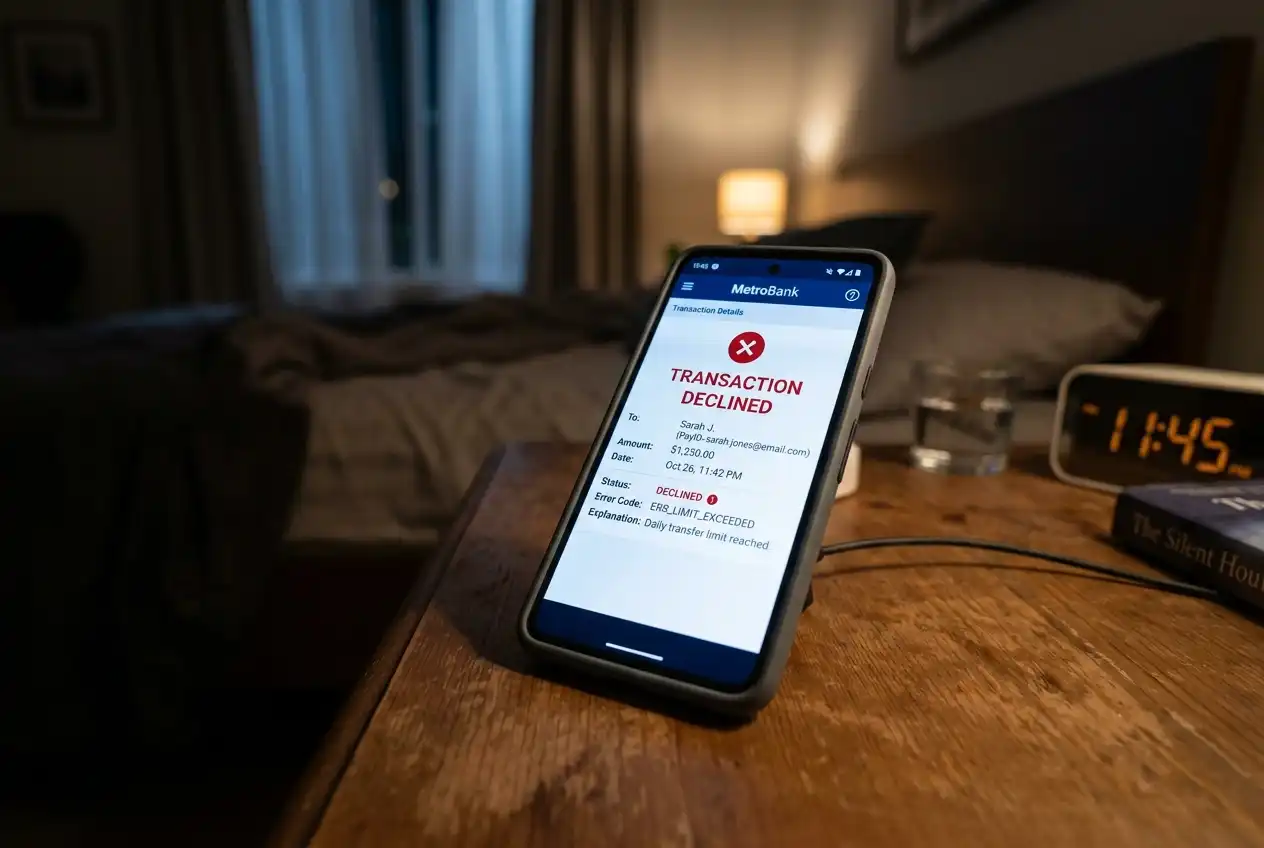
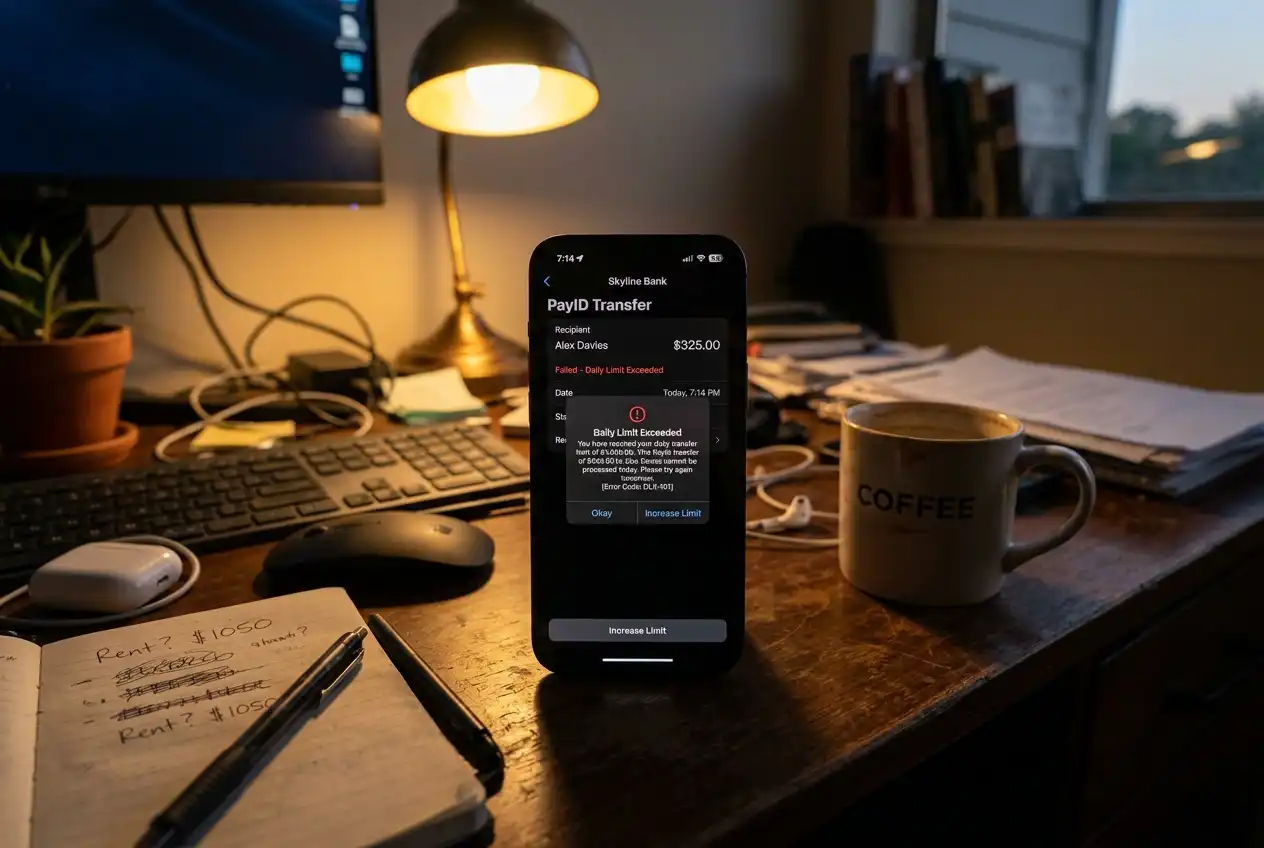
Your bank sets limits on outgoing PayID transfers, and these limits are often lower than your general account balance would suggest. A common scenario: you have AUD 3,000 in your transaction account and attempt a AUD 2,000 deposit, only to have the bank decline the transfer because your daily PayID limit is set to AUD 1,000. The casino never sees the attempt. The bank simply blocks it at the source.

These limits vary significantly by bank and account type. Some institutions set conservative defaults — as low as AUD 500 per day for new accounts — that customers never adjust because they do not know the setting exists. Others differentiate between mobile app and desktop banking limits, with mobile caps sometimes sitting hundreds of dollars below the desktop equivalent.
To check and adjust your limit: open your banking app, navigate to the PayID or payment settings section, and look for “transfer limits” or “daily payment limits.” Most banks allow you to increase these limits instantly through the app, though some require a cooling-off period of 24-48 hours before a higher limit takes effect. If you know you will need a larger deposit, adjust the limit at least two days before you plan to use it. This is the same payment control framework that supports responsible gambling — the infrastructure works in both directions.
Account Mismatch and Verification Failures
Casinos that accept PayID deposits require the sending bank account to match the name on your player account. This anti-money-laundering requirement means a deposit from your partner’s account, your business account, or a joint account where you are not the primary holder may be rejected or held for manual review. The name-matching check happens at the operator’s end after the funds arrive, so the bank processes the transfer normally — you only discover the mismatch when the balance does not appear and support informs you the deposit is under review.
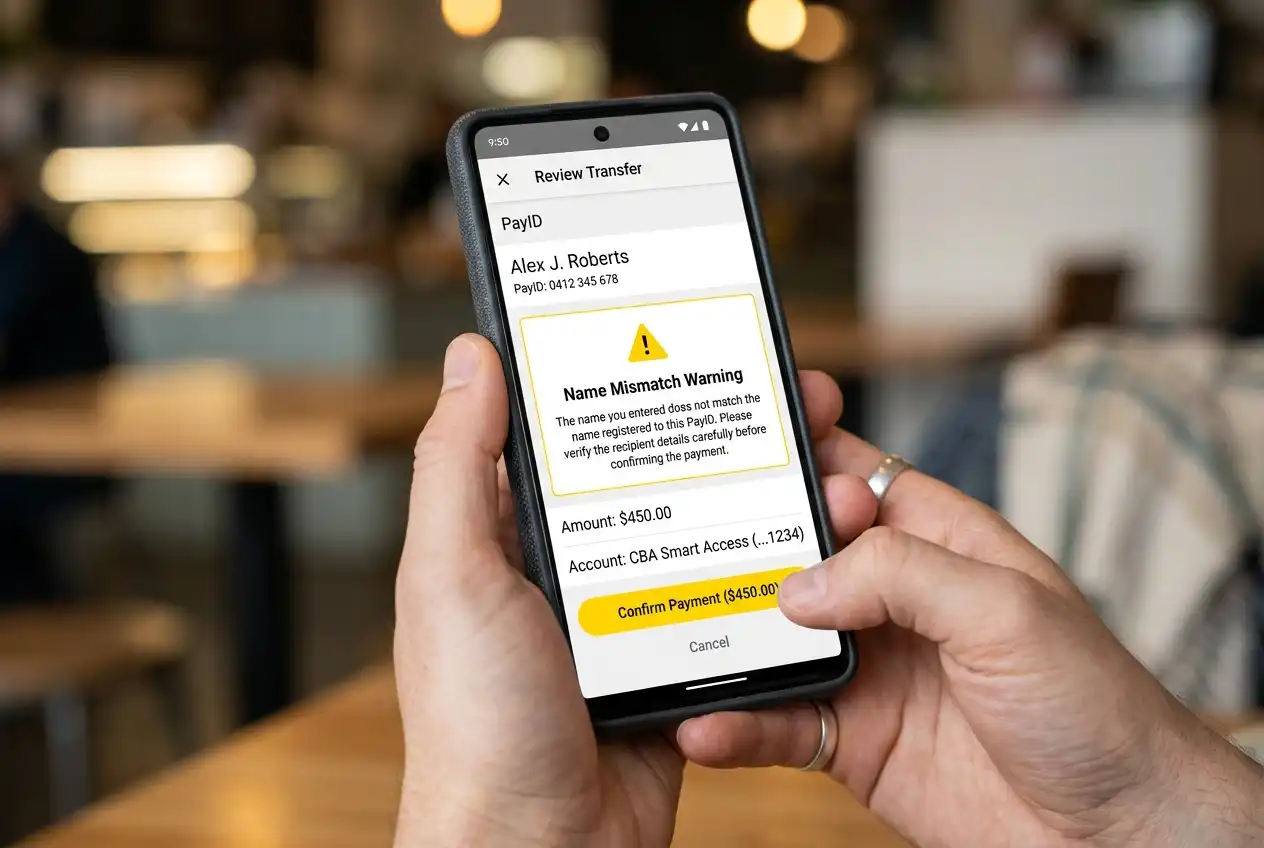
Joint accounts present a particular grey area. If the account is held jointly by “John Smith and Jane Smith” but your casino account is registered to “John Smith,” some operators accept the deposit because the name is partially present. Others reject it because the account name is not an exact match. There is no industry standard here, and the only way to know your operator’s policy is to check before sending. A failed verification hold can freeze the funds for five to ten business days while the operator’s compliance team reviews the source.
Card fraud in Australia reached AUD 854 million in the 2025 financial year, with 2.3 million Australians experiencing payment card fraud. The strict name-matching requirements on PayID casino deposits are a direct response to this fraud environment — the controls exist to protect players, even when they create friction for legitimate transactions.
Bank-Side Blocks on Gambling Transactions
Since Australia’s credit card gambling ban took effect in June 2024, banks have developed increasingly sophisticated systems for identifying and controlling gambling-related transactions. Some of these systems extend beyond credit cards to include debit card and direct transfer payments — including PayID. If your bank has flagged the receiving PayID address as a gambling merchant, and you have (knowingly or unknowingly) activated a gambling transaction block on your account, the payment will be declined at the bank level.

NAB, CommBank, Westpac, and ANZ all offer some form of gambling transaction controls. The implementation varies: some apply blocks only to known gambling merchant codes, while others use broader pattern-matching that can occasionally flag legitimate transactions. Chris Sheehan, formerly heading NAB’s financial crime unit, has pointed out that scam and fraud patterns often exploit payment speed — the same speed that makes PayID attractive for legitimate use also means blocked transactions need to fail fast rather than fail silently.
If you suspect a bank-side block is causing your payment failure, check your banking app’s notification centre for a declined transaction message. Contact your bank’s support line to confirm whether a gambling block is active. Removing the block is usually straightforward, but be aware that some banks require a waiting period before reinstating gambling payment access after it has been disabled.
When the Problem Is on the Operator’s Side
Not every failed deposit is your fault. Operators occasionally experience system outages, maintenance windows, or cashier errors that prevent incoming PayID deposits from crediting. These failures are less common than user-side errors but they do happen, and they are harder to diagnose because the bank’s records show a completed transfer while the casino’s system shows nothing.
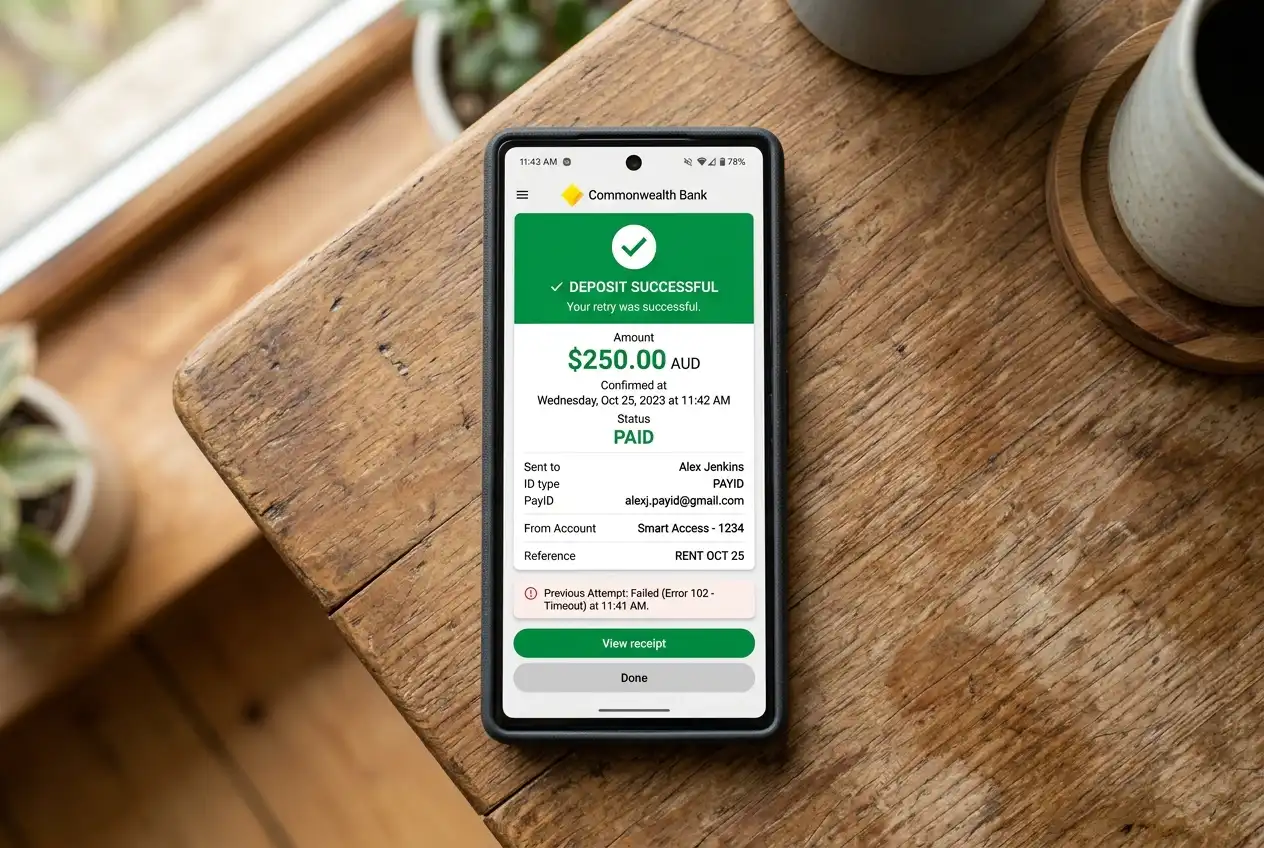
The diagnostic sequence I follow: first, check the bank’s transaction history to confirm the payment was sent and debited. Second, wait fifteen minutes — some operators batch-process PayID credits rather than crediting in real time, and a short delay is normal. Third, contact the operator’s support with your transaction receipt, including the exact amount, date, time, and reference number. A competent support team can locate and credit a mislaid deposit within a few hours. If the process stretches beyond 48 hours without resolution, escalate through the operator’s complaints procedure and retain your bank statement as evidence of the completed transfer. Most declines come down to deposit limits.
The NPP’s wholesale transaction cost has dropped from $0.39 in 2019 to approximately $0.04 in the 2025 financial year. That near-zero cost means neither the bank nor the NPP has a financial reason to delay or fail transactions. When a deposit goes missing, the fault lies at one of the two endpoints, not in the plumbing between them.
Prepared by the PayEdge editorial staff.